How to refresh your CRM with fresh LinkedIn profile data
Turn a column of LinkedIn profile URLs into current titles, companies, skills, and locations — then push the clean records back into your CRM. No LinkedIn login, no cookies.
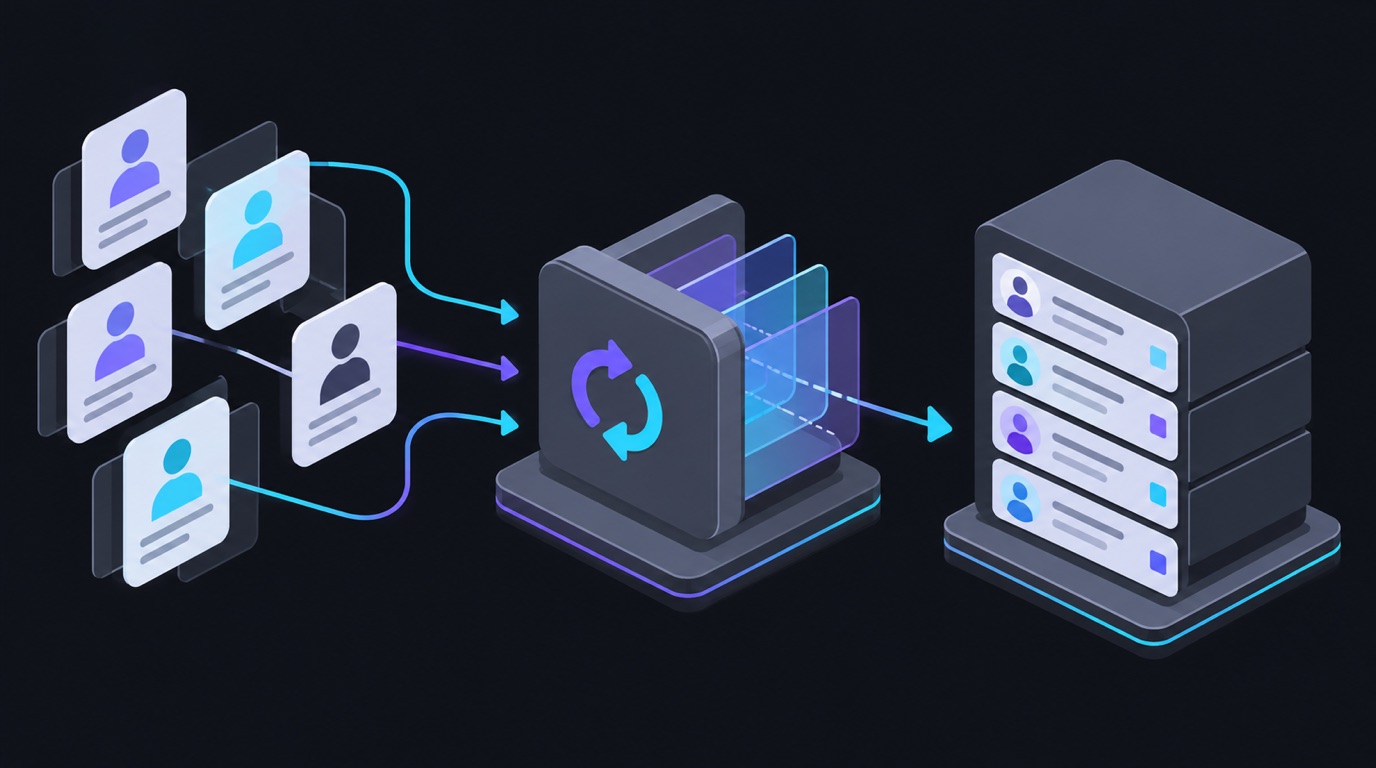
Every CRM decays. People change jobs, companies rename, titles go stale. The fix is simple in theory: open each contact’s LinkedIn profile, copy the current role, update the record. At 500 contacts that’s a full week of tab-hopping.
This tutorial shows the automated version: export stale profile URLs from your CRM, refresh them in bulk, and import clean, current records back — no LinkedIn login, no cookies, no browser automation.
The tool: LinkedIn Profile Scraper · Fresh · No Cookies on the Apify Store. Paste hundreds or thousands of profile URLs, get structured people records back. Priced at roughly $4 per 1,000 profiles.
What you get
Each profile URL returns a structured record:
| Field group | Contents |
|---|---|
| Identity | Name, headline, profile URL, profile ID |
| Current role | Job title, company, company URL, employment type |
| Experience | Full position history — titles, companies, date ranges |
| Education | Schools, degrees, fields of study |
| Skills | Listed skills |
| Location | City/region, country |
| Contact | Public profile facts only — no invented emails |
Missing values stay missing — the actor never guesses a title or company.
Step 1 — Export stale records from your CRM
Export your contacts with their LinkedIn profile URLs. Most CRMs (HubSpot, Salesforce, Pipedrive, Airtable, even a Google Sheet) can export a CSV with a “LinkedIn URL” column. That column is all you need.
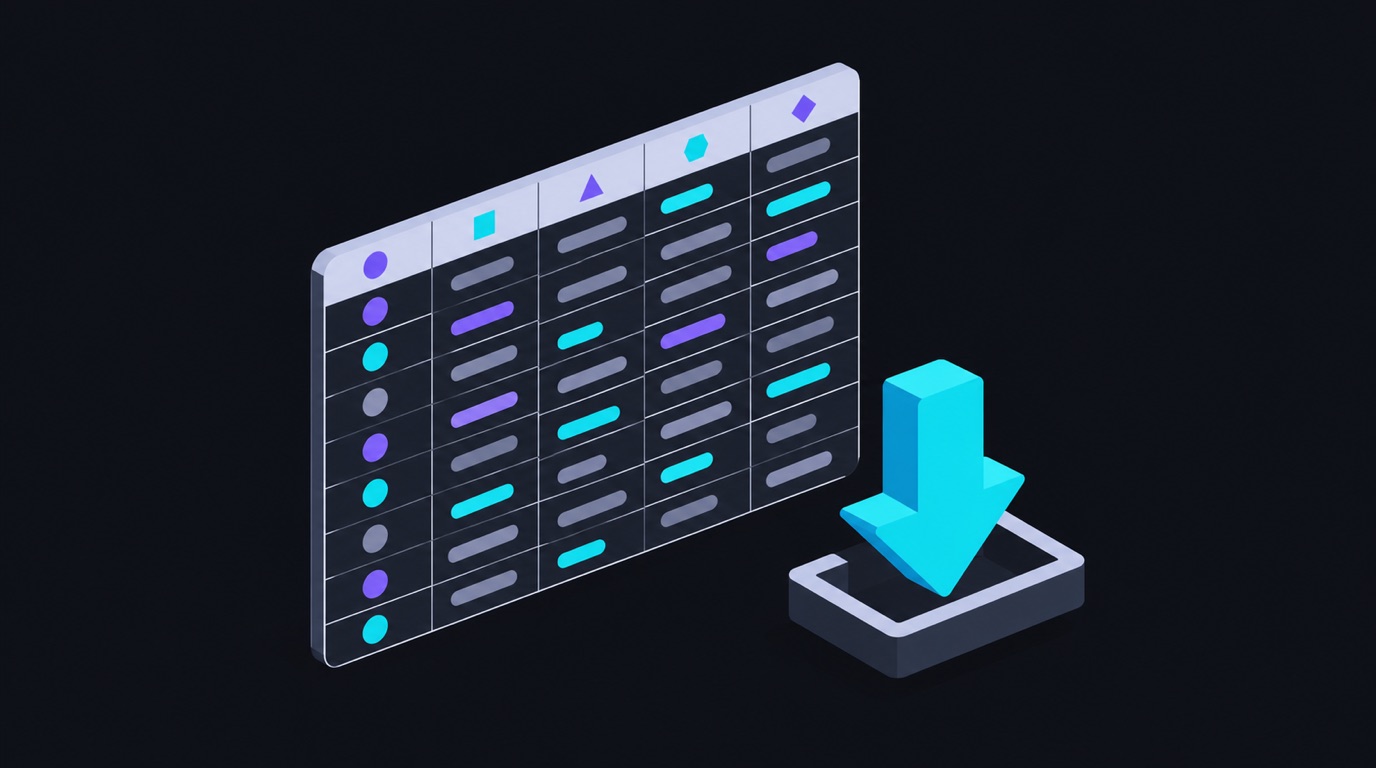
If you’re missing URLs, start from the ones you have — this flow is designed for refreshing known contacts, not discovering new ones.
Step 2 — Run the actor on the URL list
Open LinkedIn Profile Scraper and paste your URLs — one per row, standard LinkedIn or Sales Navigator links both work. Duplicates are handled automatically.
{
  "linkedin_urls": [
    "https://www.linkedin.com/in/jane-doe-1234a5b/",
    "https://www.linkedin.com/in/john-smith-678c9d/"
  ]
}
Optionally add enrich_flags for extra data (billed only when a flag returns
data — about $8 per 1,000 flags).
Click Run. A few hundred profiles finish in minutes.
Step 3 — Map the output back to CRM fields
Export the dataset as CSV and map it onto your CRM’s import format:

| Actor output | CRM field |
|---|---|
full_name |
First + last name |
headline |
Description / persona note |
current_title + current_company |
Job title, Company |
location |
Region |
skills |
Tags / segmentation |
The exact field names depend on your CRM’s import template — the actor gives you clean values; your CRM maps them.
Step 4 — Import and verify
Import the CSV into your CRM (most CRMs upsert on email or LinkedIn URL). Spot-check five records against the live profiles. Then schedule it: run the refresh monthly or quarterly and your CRM stops decaying.
Variations
- Champion tracking — run the same URL list twice, months apart, and diff the
current_title/current_companyfields to catch champions who changed jobs. - Event enrichment — paste a conference’s speaker list URLs and build a research table in one run.
- Recruiting — refresh candidate records without opening a hundred tabs.
Going further
- Feed the refreshed records straight into a sheet or CRM with n8n — see the automation templates.
- Build an account stakeholder map from the same data — see the company posts tutorial for the account-level view.
Pricing
Pay-per-event at roughly $4 per 1,000 profiles (enrichment flags extra, billed only on returned data). New Apify accounts include free platform credit.

FAQ
Do I need LinkedIn Sales Navigator? No — standard public profile URLs work, and Sales Navigator URLs are also accepted.
Is this compliant with my CRM’s terms? You’re importing public profile facts you could read manually; the actor just reads them faster. As always, respect the platforms’ terms and your local privacy law (GDPR etc.) when storing personal data.
What if a profile is gone or private? The actor reports it as unavailable — no row is silently dropped, so you can clean those records deliberately.
Ready to run this?
Every scraper referenced here is live on Apify — no login, pay per result.