How to build an Instagram creator lead list from keywords
Turn niche keywords and hashtags into a qualified Instagram creator outreach list — with source posts, follower counts, public contact signals, and transparent pass/reject reasons.
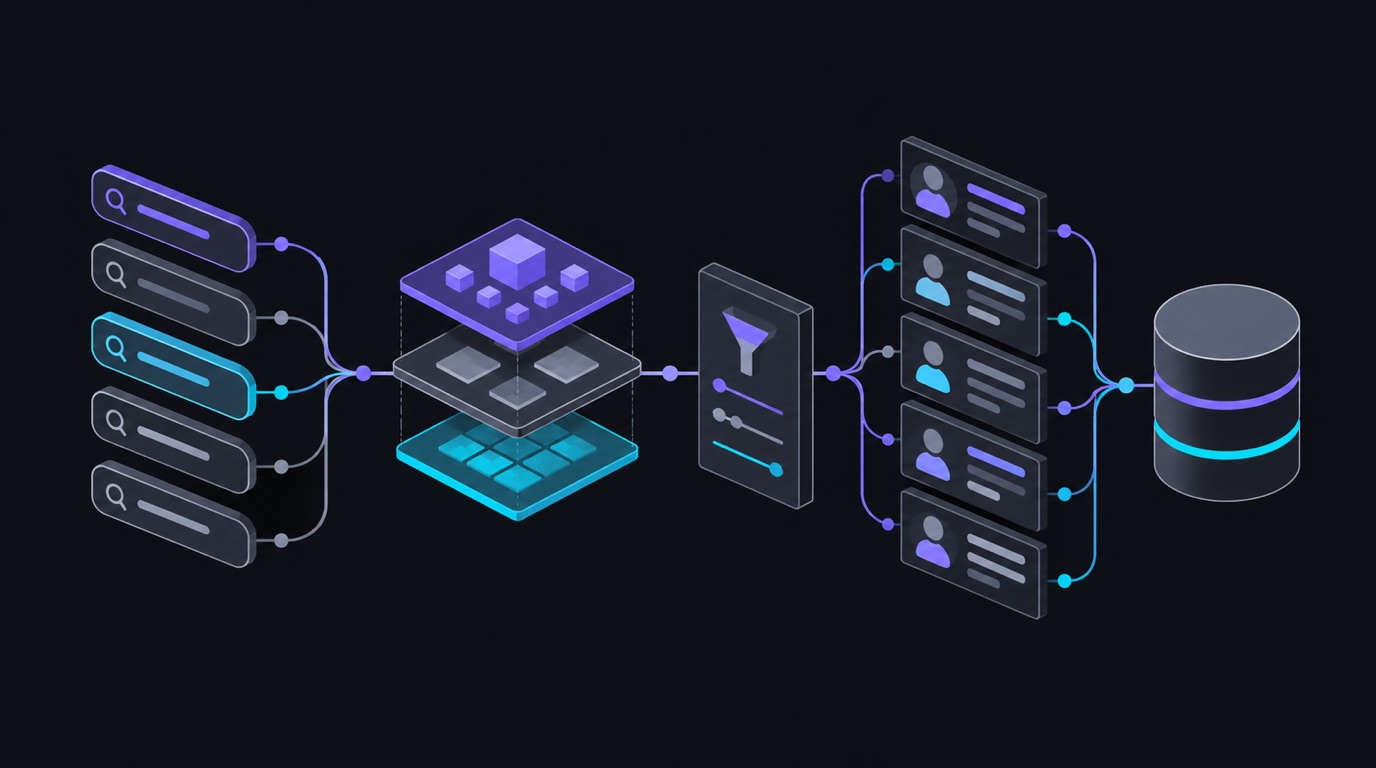
You want creators for a campaign — micro-influencers in specialty coffee, fitness coaches in Austin, wedding photographers who use film. The manual workflow is a grind: search a hashtag, open profiles one by one, check follower counts, look for emails in bios, paste into a spreadsheet… and repeat until your eyes bleed.
This tutorial shows the automated version: keywords and hashtags in, an evidence-backed creator lead list out — with the source post that found each creator, their public profile facts, contact signals when they publish them, and a clear reason for every qualify/reject decision.
The tool: Instagram Creator Lead Finder on the Apify Store. No Instagram login.
What makes it different from “search posts”
Searching posts is easy. Turning posts into a clean outreach list is the slow part: the same creator appears in many posts, filters reject profiles after you’ve already inspected them, and a high result limit doesn’t mean qualified leads.
This actor combines bounded discovery, creator deduplication, public-profile checks, and transparent qualification in one run. You control the niche, the filters, and the budget.
Step 1 — Choose your searches
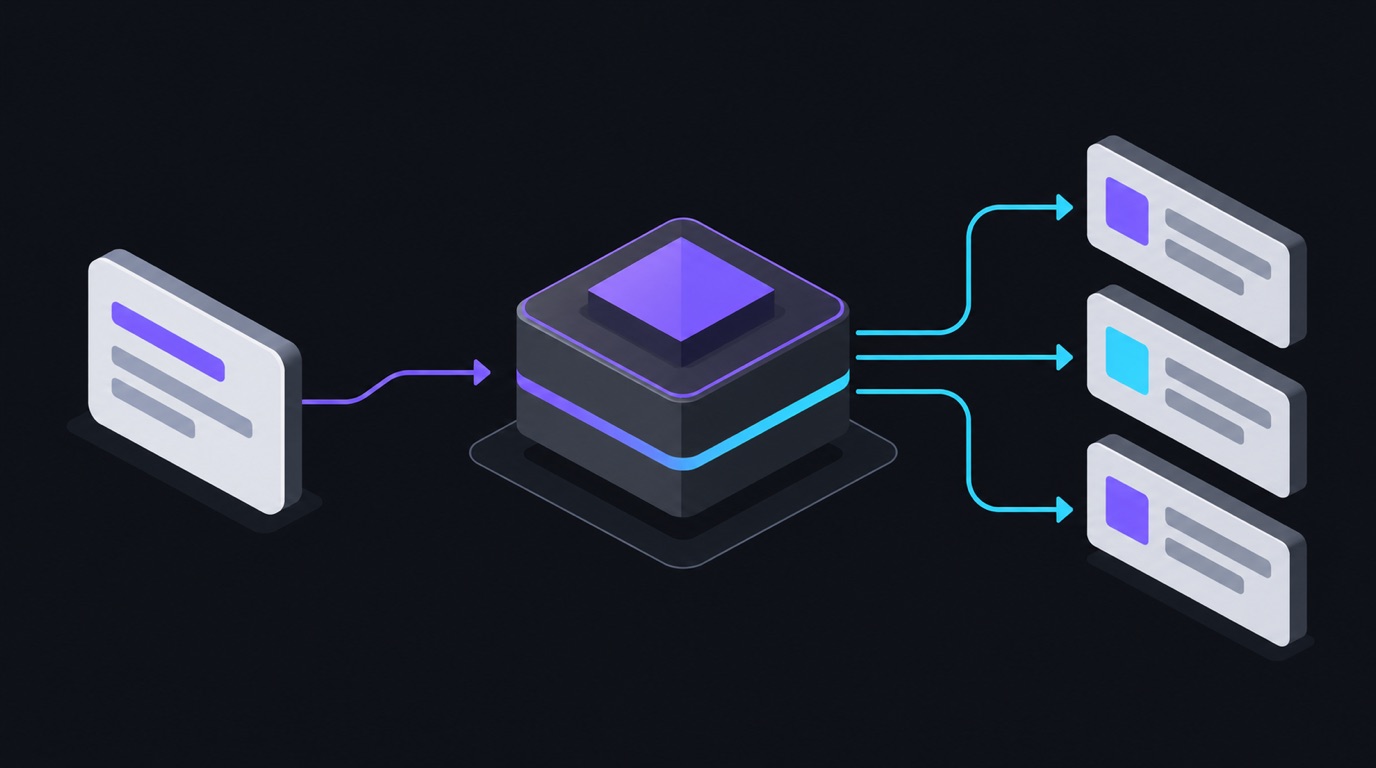
Use plain text for Reel keyword discovery and a leading # for hashtag discovery.
1–10 searches, one discovery page each — so use several precise searches rather
than one broad one:
{
  "searches": [
    "specialty coffee",
    "#specialtycoffee",
    "third wave coffee"
  ],
  "hashtagFeed": "top"
}
hashtagFeed options: top posts, recent posts, or Reels only.
Step 2 — Set your budgets
Two ceilings, both under your control:
{
  "maxLeads": 10,
  "maxProfileLookups": 25
}maxLeads(1–50) — the maximum qualified creators delivered. A ceiling, not a guarantee.maxProfileLookups(1–100) — the maximum creator profiles the run may inspect, including ones later rejected. Must be at least the lead limit.
You’re billed per completed profile check — whether the creator passes your filters or not, you get the audit row.
Step 3 — Set qualification filters
{
  "minFollowers": 1000,
  "excludePrivateAccounts": true,
  "professionalAccountsOnly": false,
  "contactRequirement": "none",
  "excludeUsernames": []
}- Follower range — minimum (and optional maximum) followers.
- Private accounts — exclude or allow.
- Professional accounts — require or allow any.
- Contact requirement — none, any public contact/bio link, or a public email.
excludeUsernames— up to 10,000 usernames/URLs already in your CRM, so you never re-pay for creators you already have.
Optionally add recent-Reels analysis: sample 1–12 recent Reels per creator and
apply a minimum sampled engagement rate — (avg likes + avg comments) ÷ followers × 100.
Step 4 — Run and export
Every completed profile check produces an auditable row:
| Evidence | What you get |
|---|---|
| Creator identity | Username, account ID, display name, profile URL, privacy/verification |
| Discovery evidence | The keyword/hashtag that found them, source post URL, caption, timestamp, engagement |
| Profile evidence | Bio, follower/following/post counts, category, public bio links |
| Contact signals | Public email, phone, or bio link — only when the creator publishes them |
| Decision | qualified or rejected + every applied rule in plain language |
Use the qualified-leads view for outreach and the full view to understand where the rest were rejected. Missing values stay missing — the actor never invents contacts or audience estimates.
What this is good for
- Influencer campaigns — build a niche creator shortlist with evidence, not vibes.
- Creator-led sales — find creators who already post about your product category.
- Market research — who is actually producing content in a niche, at what scale.
Going further
- Vet the shortlist’s actual engagement with the post/reel analytics tutorial.
- Push qualified leads straight into a sheet or CRM with n8n — see the automation templates.
Pricing
Pay-per-event: about $2 per 1,000 creator profile checks (Reel-analysis events billed only when completed with a usable sample). New Apify accounts include free platform credit.
FAQ
Do I need an Instagram login? No — public data only, no login.
Does it find email addresses for everyone? No — only public contact signals a creator chose to publish (bio email/phone/link). No guessed or scraped-private emails.
Why did I get fewer leads than maxLeads? It’s a ceiling, not a guarantee —
qualification filters and your lookup budget both apply. The run summary reports
exactly how many were checked and rejected by which rule.
Ready to run this?
Every scraper referenced here is live on Apify — no login, pay per result.